A website for your diabetes data
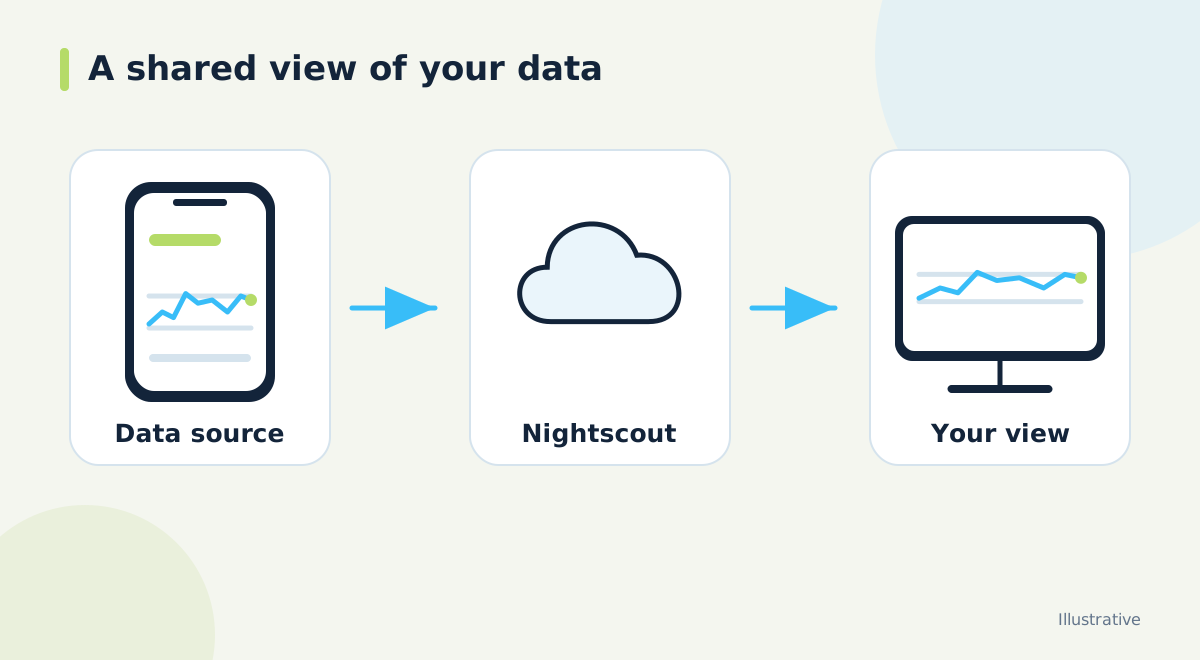
Nightscout is an open-source application that can collect and display continuous glucose monitoring data on a personal website. People with type 1 diabetes and their families use it to see readings, share access and bring supported records together. The familiar graph is the visible part of a larger system: an uploader supplies data, a server stores it, and a browser or compatible app displays it.
An easy starting question is what you want to see away from the source phone. You might want a parent to check a child's latest reading, a browser view while working, or a separate display on a compatible device. Write down that goal before choosing software. A clear goal makes the setup easier to explain and gives you something specific to test.
Three roles in the connection
The uploader is the route that sends information into Nightscout. The appropriate route depends on the sensor, phone and software already in use. Nightscout does not itself pair directly with every sensor. A working website therefore does not prove that readings are reaching it. First confirm that the source app has current data, then check whether the same timestamps appear on the website.
The follower is a device or app that reads from Nightscout. It may display the same underlying information in another layout. This is useful when different people need different views, but it adds another connection to check. Treat the source, website and follower as three separate places to inspect rather than one screen that somehow stays synchronized automatically.
Glucose and records need context
Some setups send glucose alone; others also provide supported treatment or device records. Before relying on a combined display, establish which information your uploader actually sends. A missing dose marker may mean the record was never uploaded. It does not establish that no dose was taken. Similarly, a graph with gaps cannot describe the periods for which readings are absent.
When explaining the display to another person, point out the reading time as well as the number. Ask them to identify the most recent point and the unit being used. This small exercise is more useful than showing every menu at once. It tests whether the person can distinguish a fresh reading from an old value that remains visible.
Hosting is a separate choice
You can run the open-source application yourself or choose a managed hosting service. The software and the service that runs it are different things. Self-hosting involves an application and a database; managed hosting can reduce the setup work, with the provider's actual plan determining what is included. Read our managed hosting guide if you are deciding which responsibilities you want to handle.
Dia.best offers hosted Nightscout and also supports connecting an existing Nightscout. Start with the connection you already have if it meets your needs. Before changing hosts, list the devices and apps that use your current address so you know which connections will need attention.
Share access deliberately
Nightscout supports access roles. Someone who only needs to view data should normally receive read-only access instead of the main API secret or an administrator credential. Keep an inventory of who has access and what they need to do. When a temporary arrangement ends, review that access as part of the handover.
A useful introduction is a short written plan: which screen to check, how to recognize stale data, and whom to contact when updates stop. Agree on that plan with the person using the system. Remote visibility is most helpful when everyone understands its limits and uses it alongside the existing diabetes care plan.
Official documentation and further reading
Software screens and compatibility can change. Check the documentation for your exact app and device versions. A remote display depends on the data source, internet access and server connection; check the time of the latest reading.