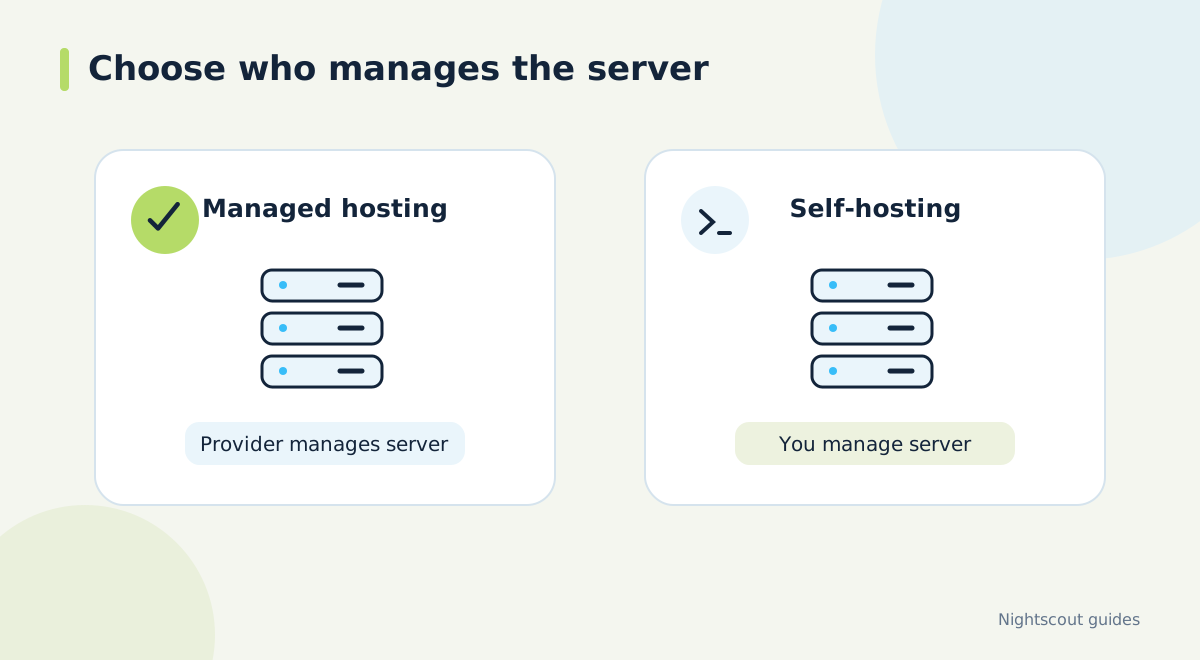
Decide which work you want to take on
A Nightscout installation needs the web application and somewhere to store its data. With self-hosting, you arrange the platform and database and follow the relevant installation instructions. A managed hosting provider offers a service around that application. The useful comparison is therefore the work each option leaves with you, rather than the subscription price alone.
Make a simple list of the jobs you feel comfortable doing: setting up an account, connecting the uploader, dealing with configuration, and asking for help when readings stop. Then identify what you want the provider to handle. This makes it easier to compare plans without assuming that the word 'managed' means every possible task is included.
Check compatibility before paying
Tell a potential provider which sensor, phone, uploader and follower you use. If you use AAPS, include its version and synchronization method. Ask which Nightscout version the service runs and whether it supports the connection you need. Compatibility is a relationship between those components; the existence of a Nightscout address alone does not establish that your entire arrangement will work.
Keep the question specific: 'I have these apps and want this device to show these records.' That is more useful than asking whether a service supports all diabetes devices. If you have a working setup already, take a note of its components and settings before making changes. Do not send passwords or administrator tokens in a general support enquiry.
Ask what happens to your history
Request clear answers about storage limits, retention, exports and leaving the service. Ask whether backups are provided, how restoration is requested and what information a backup covers. These are questions to verify in the actual plan; they are not features to assume from a headline. Also ask what happens to the account and its records when a subscription expires.
Consider the history you actually use. Someone who wants a recent overview may have different requirements from someone preparing a longer review. Write down the period you need before comparing limits. A lower price is less useful if the available history does not fit that purpose or if you cannot obtain an export when you need one.
Understand support and renewal terms
Look for the provider's contact route, support scope and published service terms. Establish whether help covers hosting only or also extends to configuring third-party apps. Check renewal, cancellation and refund conditions at checkout. Keep the confirmation where you can find it again, alongside the name of the account holder and the email used to register.
Ask how maintenance is communicated and what information support needs for a useful incident report. A report can identify the last successful update time, which screens are affected and any non-sensitive error message. This gives the provider a practical starting point while keeping access credentials out of screenshots and messages.
Plan a measured migration
Before moving, list every connection that uses the old address: uploader, browser bookmarks, follower apps and any other integrations. Work through that list after the new site is available. Compare the latest timestamps and a small sample of existing records. Do not judge a migration solely by whether the new homepage opens.
Avoid enabling several upload routes simply to make the migration feel safer. In an AAPS setup, follow its current documentation about which app owns the upload. For any setup, keep a written record of what you changed so a missing connection can be traced without changing unrelated settings.
Where Dia.best fits
Dia.best provides a hosted Nightscout option and can also connect to your existing Nightscout. Use the current pricing and checkout pages to review the available subscription before purchasing. Connecting an existing site may be the easier starting point if hosting is already working for you.
Whichever route you choose, finish with a real connection check: source app, Nightscout website, then the display you plan to use. That sequence confirms the purpose of the hosting service: making the right information available through the connections you have configured.
Official documentation and further reading
Software screens and compatibility can change. Check the documentation for your exact app and device versions. A remote display depends on the data source, internet access and server connection; check the time of the latest reading.