Make an inventory before changing settings
A Nightscout site may connect several phones, a family follower, a watch and an additional dashboard. Over time, it becomes easy to forget which device has access. Begin with a simple inventory: each person or app, why it connects and whether it needs to view data, upload records or administer the installation.
Include old phones, temporary school arrangements and test apps. An access review is easier when you can account for those forgotten connections. Keep this inventory private and describe credentials by purpose rather than writing their full values in a shared document. The goal is a useful map, not another place that exposes secrets.
Check what an unauthenticated visitor can see
Do not assume a site is private because its address is unusual. Nightscout can be configured to permit viewing without a token or to require authentication. Check your actual setup in a private browser session that has not already signed in. Observe access without changing or publishing any data.
Ask a specific question: is this the amount of access you intended to give someone who only knows the address? If the answer is no, use the official security instructions or ask your hosting provider how to restrict access. Plan the change first so that legitimate followers and uploaders can be updated afterward.
Separate administration from ordinary following
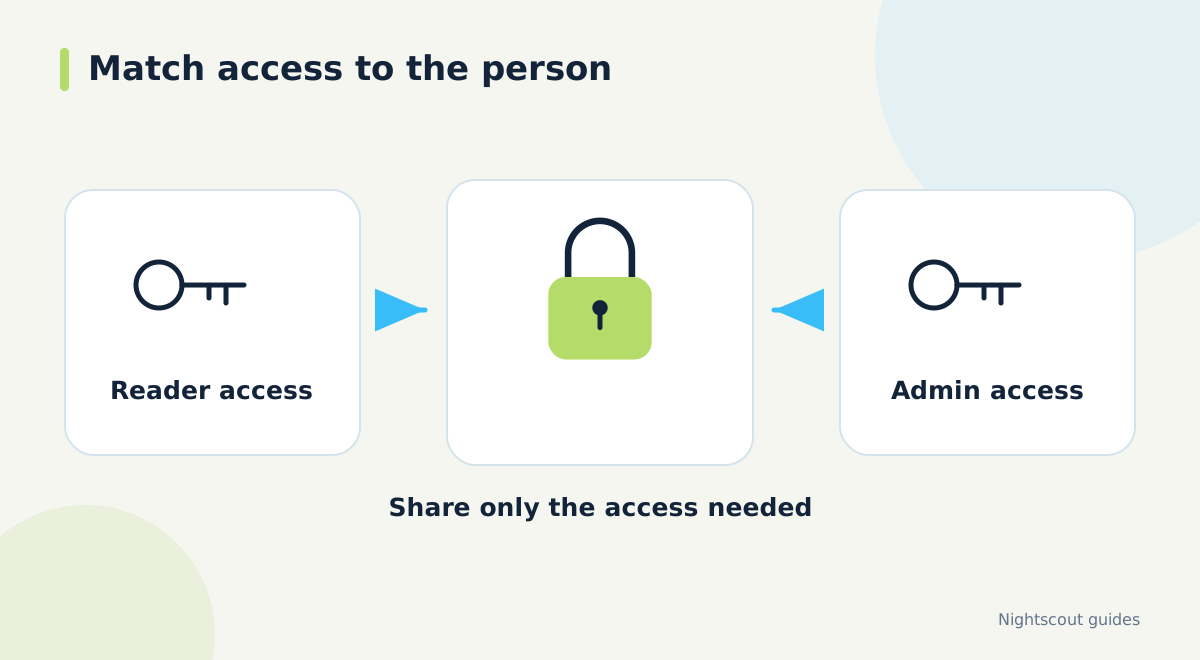
Nightscout's API secret is a powerful credential. A person who only needs to see readings should not receive administrative access by default. Where the connected app supports it, use a token with the permissions appropriate to that task. Confirm the required permissions in that app's documentation rather than guessing from the name of a role.
Give each connection a recognizable label. For example, a label can identify a particular follower phone without containing a child's full name. Separate credentials make it easier to remove one connection later, and they help you understand which devices need attention when an access problem is reported.
Treat private links like credentials
Some connection links contain an access token or password. Copying such a link into a public discussion can share more than a site address. Inspect what you are about to send, including query parameters and any credential embedded before the hostname. Prefer a redacted example when asking a general setup question.
Screenshots deserve the same review. Look at address bars, QR codes, connection dialogs and background windows. A small token in a corner can be overlooked when the main purpose is to show an error. Crop unnecessary areas and remove secret values before sharing the image, while leaving enough error text to make the question understandable.
Change access with a practical reconnection plan
When a phone is retired or a follower no longer needs access, identify the credential used by that connection. If several devices share it, removing or changing it will affect them together. Prepare a list of the devices that should remain connected and allow time to update and verify each one.
After revoking unwanted access, confirm both outcomes: the retired connection no longer works and authorized devices still receive current data. Check the actual reading times, not merely whether an app opens. If a credential may have been exposed publicly, remove the exposure and replace the affected credential; deleting the message alone cannot undo copies.
Review the service as well as the devices
Use HTTPS and investigate certificate warnings rather than bypassing them to complete a connection. Protect the accounts that control your hosting and recovery email, and keep their passwords distinct. For an unfamiliar integration, find out what data it accesses, what permissions it requests and how you can disconnect it before entering credentials.
Managed hosting can simplify setup, but it does not answer every sharing question automatically. Read the provider's current privacy, billing and account-deletion terms. If you use Dia.best, review the connection settings and only grant access needed for the features you choose. Revisit the inventory whenever your family, hardware or connected apps change.
Official documentation and further reading
Software screens and compatibility can change. Check the documentation for your exact app and device versions. A remote display depends on the data source, internet access and server connection; check the time of the latest reading.